
Examples of Using the Arene Traffic Light Model
Article sections
Translation is generated with AI.
Arene’s AI traffic light model helps clarify when the use of AI is allowed and when it is prohibited. It provides clear criteria for both students and teachers, making their work easier.
Teachers can use the model to support assessment, as it is based on national criteria. At the same time, students receive clear information about how they can use AI and when they need to report its use. (Nuuttila, 2025).
The colors of the traffic light model are chosen according to the learning task’s objective, and teachers are encouraged to design tasks that utilize AI in diverse ways.
Teachers should inform students about their own use of AI. This increases transparency and provides good examples of responsible AI use in their field.
Examples of Traffic Light Model Tasks
Arene (2024) states that studies should preferably follow the most permissive approach. As AI becomes integrated into digital tools, it is challenging to distinguish between human and AI-generated content. If AI use is prohibited, the prohibition must always be justified.
. If all tasks in a course fall under the same traffic light category, the teacher can mention this in the course introduction or general information.
Tip: Try generating tasks in your field using AI. Remember to specify the desired learning objective and the traffic light color you are aiming for.
Blue – Required, Must Use, Must Report
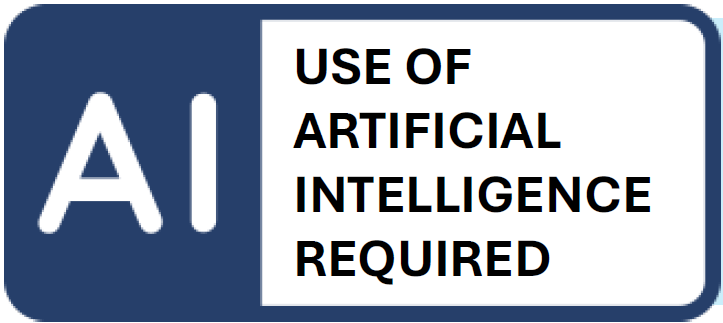
This option is suitable when students are encouraged to use AI and the teacher wants to ensure that students get to know AI tools during their studies. The teacher must inform students how AI use affects assessment. For example, the teacher can assess the suitability of the AI tool chosen by the student and the student’s ability to use AI insightfully and appropriately.
Examples (Arene)
- The student critically evaluates text or other media produced by AI.
- The student develops scenarios generated by AI, for example about the future of their field.
- The student creates a bot to support their learning or prompts an AI application to act as a tutor.
- The student uses AI as an active assistant and aims to enhance their work with AI.
More examples (HAMK)
- The student creates a comic or narrative path for a given situation using AI.
- The student asks AI for three possible answers to a task, selects one, evaluates it critically, and adds their own suggestions.
- The student creates a short podcast about a situation in their field using AI and evaluates the result critically.
Red – Prohibited, Must Not Use
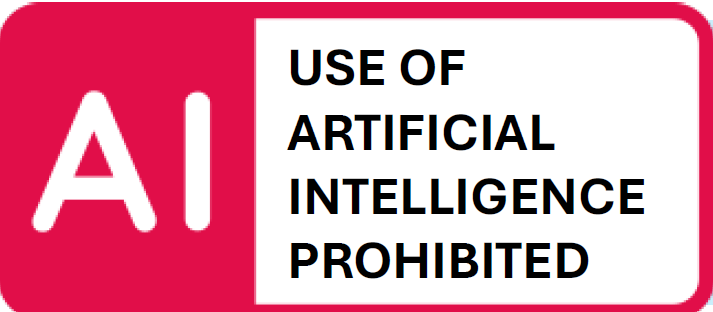
This option is suitable when AI use is justifiably not allowed and the teacher wants to ensure that students learn skills and knowledge without the help of AI. In such tasks, using AI is considered cheating.
Examples (Arene)
- The student demonstrates mastery of grammar. The essay must be written by the student to assess language skills.
- The student reflects on their own skills in relation to the assignment. The task assesses the student’s ability to reflect on their own knowledge and skills. AI cannot take the student’s role.
- The task is easy to solve with AI. To assess the student’s competence, they must answer using their own knowledge.
- The task is based on copyrighted material. Such material must not be input into AI.
More examples (HAMK)
- Hand-drawn plan, diagram, or process description of a lecture topic.
- Practical measurement or observation task and its documentation.
- Individual project presentation or demo session.
- Short video where the student explains the learned topic in their own words.
Yellow – Permitted, May Use, Must Report
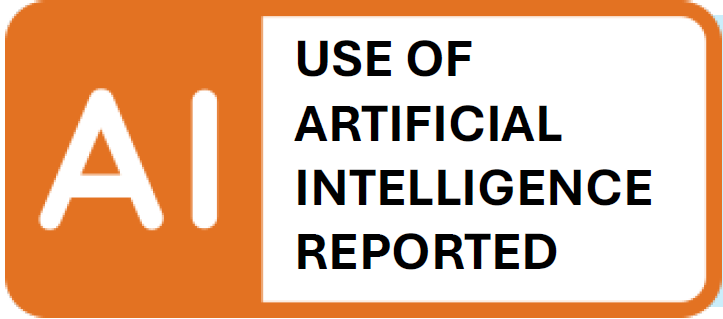
This option is suitable when students may use AI if they wish, but the teacher wants to ensure they understand the limitations and can explain how they used it. The teacher must inform students if and how AI use affects assessment.
Examples (Arene)
- During thesis work, the student may use AI for structuring and proofreading, but must report this.
- The student writes an article on a learned topic and may use AI for the introduction and summary.
- The student creates a PowerPoint presentation and uses AI for visualization.
- The student prepares a multidisciplinary presentation and may use AI, but must report how it was used to assess which parts are based on the student’s own knowledge.
More examples (HAMK)
- The student selects two articles (either independently or with AI assistance) and compares them (e.g., perspectives, research methods, conclusions). AI may be used to structure the comparison.
- The student selects key concepts from their field, writes short explanations, and creates a mind map. AI may be used for wording, but the task can also be completed without AI.
- The student prepares for a mock job interview or customer service situation by inventing questions and answers. AI may be used for ideation.
- The student edits a given text to make it clearer or more suitable for a target audience. AI may be used for editing, but the student must critically evaluate the results.
Green – Permitted, May Use, No Need to Report
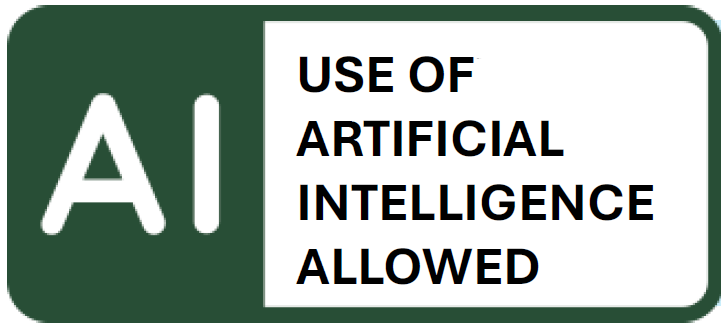
Green is suitable for situations where students can use AI freely without restrictions. AI use does not affect grades, and its use does not bring significant added value to the performance.
Examples (Arene)
- AI use does not make the student’s work easier. The student may use AI if they find it necessary.
- The student answers a question based on video material in a closed environment. The material is only available for viewing and cannot be downloaded.
- The student demonstrates competence in practical situations. The student may use AI if it helps.
- The student studies foreign-language material and uses AI for translation.
More examples (HAMK)
- The student uses AI to practice conversations, customer service, or argumentation.
- The student uses a course-specific AI bot to practice medication calculations. The bot assists without giving the answer immediately.
- The student uses AI to generate multiple-choice, true/false, and open questions based on material. Students practice the topic in small groups using these questions.
How Can Students Report Their Use of AI?
In yellow and blue tasks, students may use AI, but its use requires transparent and sufficiently detailed reporting. A simple statement like “I used AI” is not enough. Teachers should require a broader explanation of AI use. Also, clearly state how AI use may affect assessment.
Instruct students on AI reporting immediately upon assignment.
More comprehensive option
You can ask students to answer the following questions. Modify and limit the instructions as needed for your teaching:
- What AI tool did you use?
- For what purpose and at what stage of the process did you use AI? (e.g., ideation, content creation, language refinement, source searching, etc.)
- What instructions or questions did you give to AI?
- What was the extent of the content produced by AI?
- Did you use only parts, select and edit yourself?
- Did you use entire sections directly?
- Did you use AI only for background support, with the final output being your own work?
- How do you assess the usefulness of AI in this task? What benefits did it provide?
- Did you experience any limitations or unreliability in AI’s responses?
- How did you ensure the final result reflects your own skills and knowledge?
- Optionally, request a link to the prompt conversation or a screenshot.
More concise option
Instruction for students: If you used AI, briefly state at which stage of your work you used it (e.g., ideation, structure, language refinement), what you did yourself, and how you ensured the final result reflects your own skills. Write this in 1–2 sentences at the end of the assignment. For example:
“I used AI (ChatGPT) to help with ideation and structuring the text, but wrote the final content myself and checked it against the teaching material.”.
Adding the Traffic Light Model in Moodle
You can find instructions for adding the traffic light model in Moodle in the Digipeda guide. You can edit the model’s text and add your own instructions as needed.
AI Traffic Light Model in Moodle.
Sources (in Finnish)
Arene. (2024). Johdanto liikennevalomallin käyttöön. Haettu osoitteesta https://arene.fi/wp-content/uploads/PDF/2024/Teko%C3%A4lysuositukset/ARENE_AI_liikennevalomalli%20.pdf?_t=1730467050
Nuuttila, J. (2025) Tekoälyn liikennevalomallista selkeät suuntaviivat tekoälyn käyttöön. HAMK Pilkku. https://www.hamk.fi/julkaisut/tekoalyn-liikennevalomallista-selkeat-suuntaviivat-tekoalyn-kayttoon/
