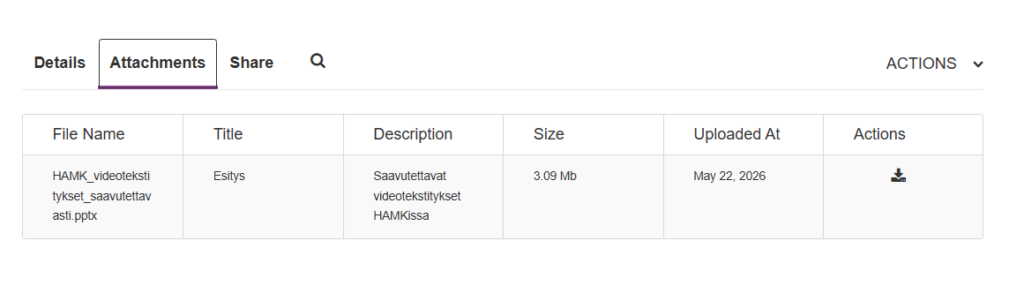
Adding a file as an attachment to a Kaltura-video
Article sections
Adding a file in a nutshell
You can attach files to your Kaltura-video. Attached files can be, for example, supplementary or they can explain or summarize the content. The viewer of the video can download the file to their own computer for viewing.
Please note that only HAMK staff users can add files to Kaltura videos for upload. Students cannot add files to their own videos, nor can they see files added to videos.
See here how to add a file to a video page: Adding a file to a Kaltura video (external site)
How to upload a file as an attachment to a video
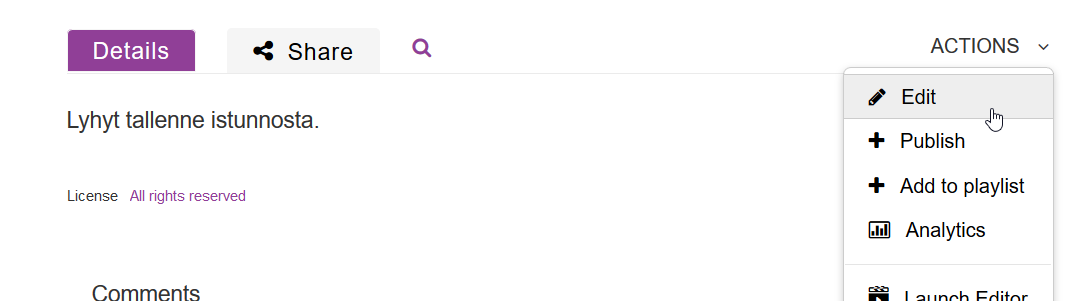
- On the video watch page, select Edit from the Actions menu:
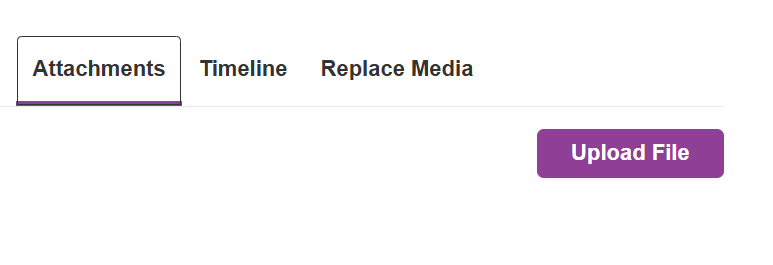
- Select the Attachments tab below the video viewer and click the Upload File button:
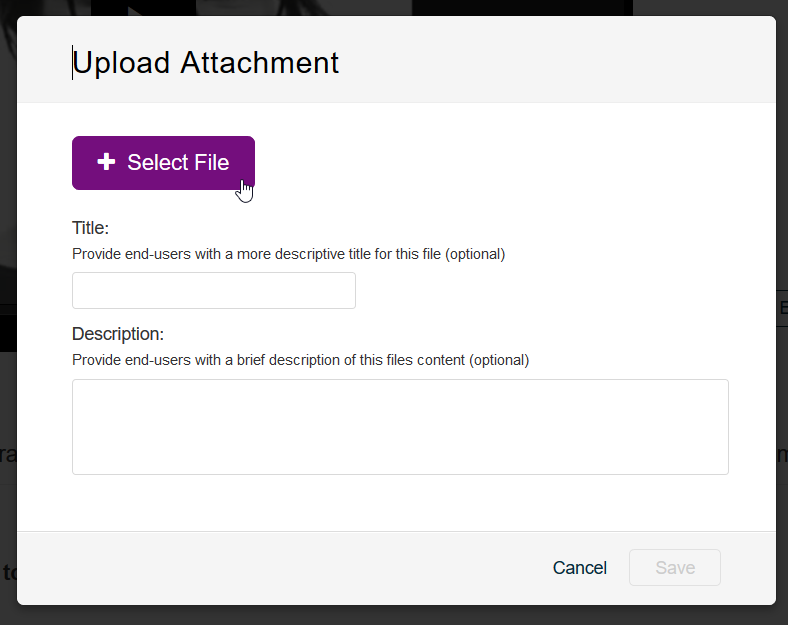
- Select the desired file using the Select File button. If you wish, you can add a title and description to the file. Finally, press the Save button:
- After downloading, the file(s) will appear on the video page as a separate tab.